Share Your Videos with the World in One Click

Your Videos Deserve an Audience
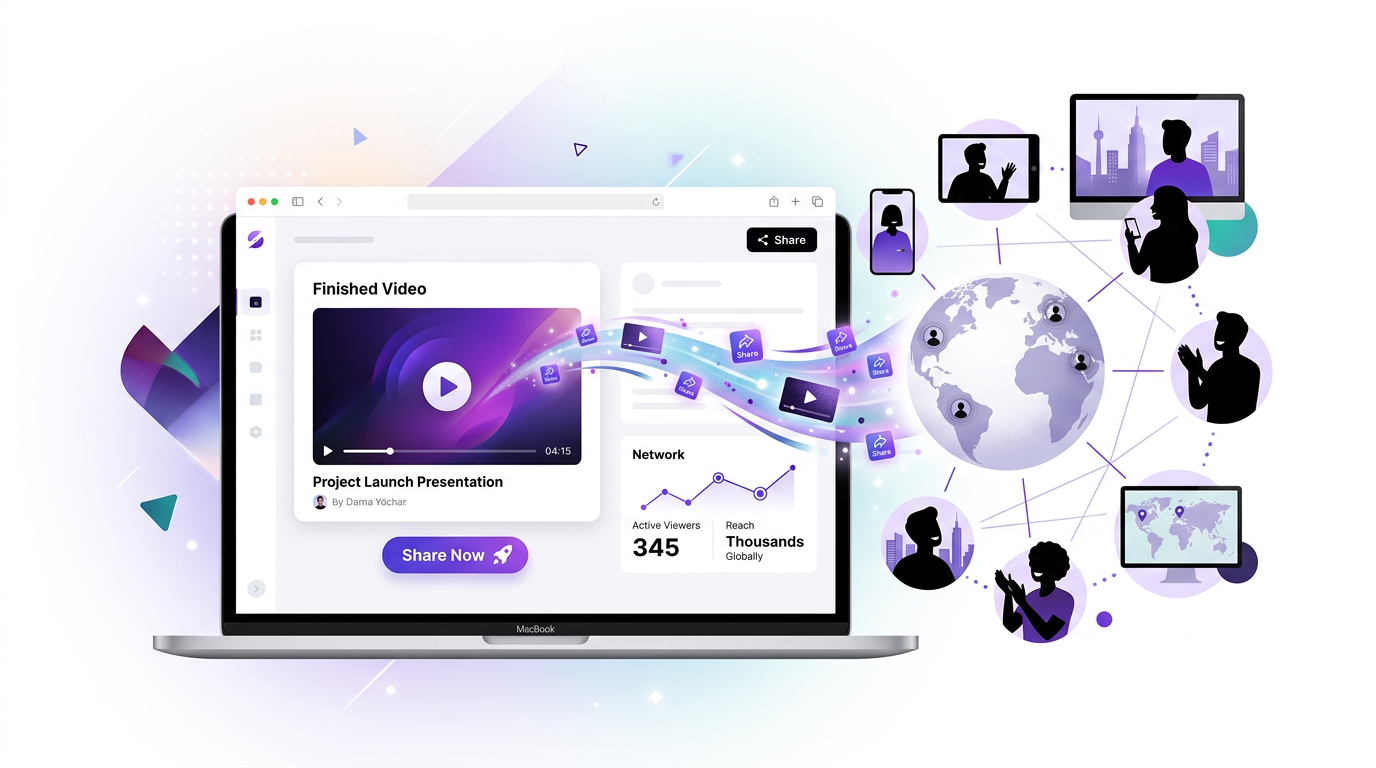
You’ve crafted the perfect presentation video. The slides look stunning, the narration flows smoothly, and your message is crystal clear. Now what? Before today, getting that video in front of people meant downloading, uploading to another platform, and managing files.
Not anymore.
Introducing One-Click Video Sharing
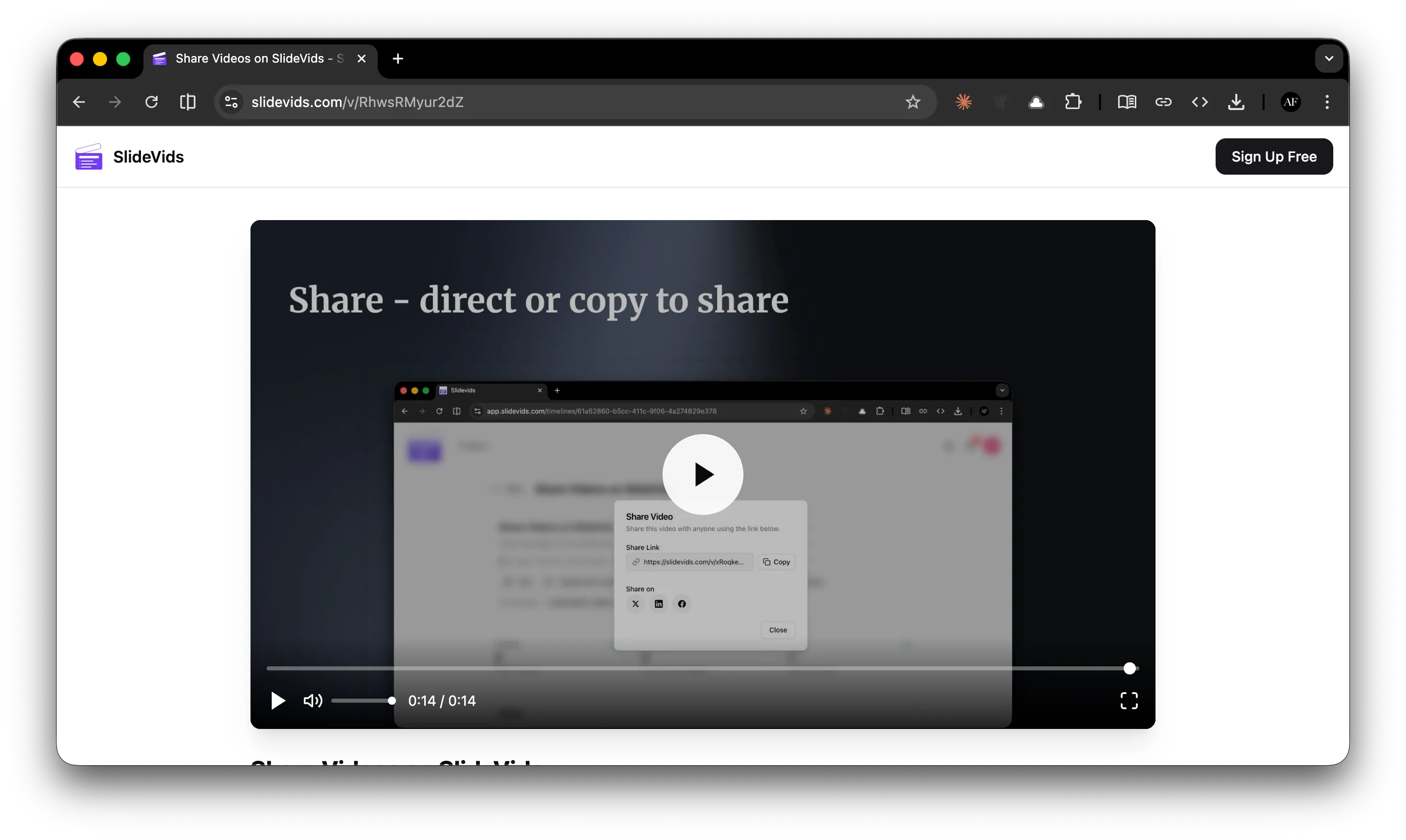
We’re thrilled to announce that sharing your SlideVids creations is now as simple as clicking a button. Generate a shareable link instantly and send it to anyone - colleagues, clients, friends, or your entire social media following.
Here’s the best part: viewers don’t need a SlideVids account to watch. Just share the link and they’re watching your video within seconds.
How It Works
Sharing couldn’t be simpler:
- Open your completed video in SlideVids
- Click the Share button - we’ll generate a unique link instantly
- Copy or share directly to Twitter, LinkedIn, or Facebook
That’s it. No file exports. No uploads. No waiting. Your video is ready to share the moment it’s finished rendering.
Share Anywhere, Watch Anywhere
Every shared video gets its own unique link that looks like this:
https://slidevids.com/v/6BjWm1BFjWjoShort, clean, and memorable. Perfect for:
- Email signatures - Add your latest video to every email you send
- Social media posts - Share directly to Twitter, LinkedIn, and Facebook with our built-in buttons
- Slack and Teams - Drop the link in any chat and teammates can watch instantly
- Presentations - Link to related video content from your live talks
- Client proposals - Embed video links in your documents and pitches
Why Share Instead of Download?
While you can still download your videos anytime, sharing directly from SlideVids offers some real advantages:
| Sharing Link | Downloading File |
|---|---|
| Instant - no waiting for downloads | Requires upload to another platform |
| Always the latest version | Need to re-share if you make changes |
| Viewer analytics coming soon | No visibility into who’s watching |
| Works on any device instantly | Viewers need compatible software |
| Zero storage hassle | Large files eat up storage |
Built for Teams and Creators
Whether you’re a solo creator sharing tutorials or a team distributing training videos, our sharing feature fits your workflow:
- Marketing teams - Share campaign videos with stakeholders for approval
- Educators - Distribute lesson content to students via any LMS
- Sales teams - Send personalised video pitches that play instantly
- Trainers - Share onboarding videos across your organisation
- Content creators - Build your audience by sharing across platforms
Start Sharing Today
Video sharing is available now for all SlideVids users. Head to your dashboard, open any completed video, and click Share to get started.
We can’t wait to see your creations reach new audiences. Share your videos with us on social media - we’d love to feature the best ones!
Have questions about sharing? Contact our support team.
Related Features
- Video Sharing — Full details on sharing your videos with shareable links and social media
- Pro Editor Export — Export to DaVinci Resolve and other NLEs for professional post-production