Build SlideVids Timelines With AI Agents in the Terminal

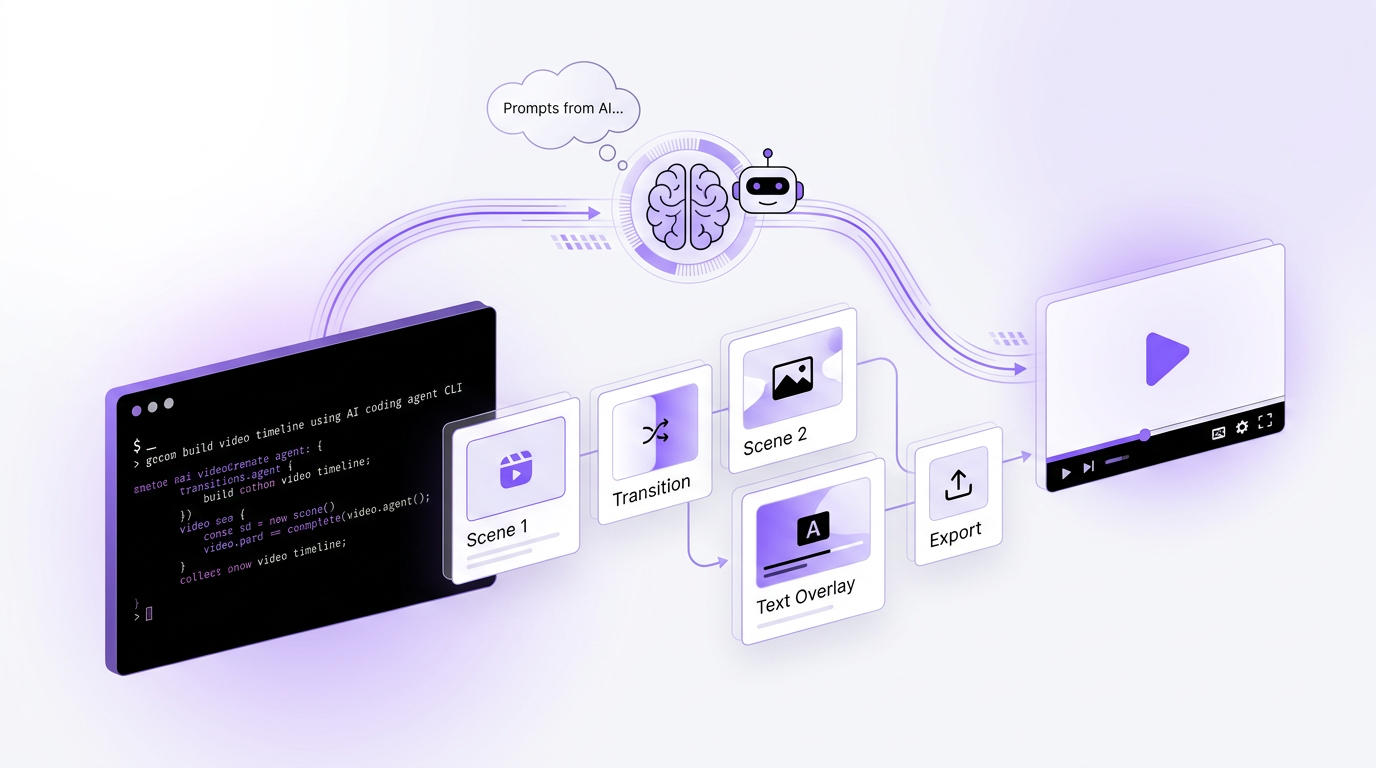
One thing has become very obvious over the last year.
More software is now being used by agents.
Not just by humans clicking around in a UI, but by Claude Code, Codex, and terminal-first workflows where the agent is reading docs, generating files, running commands, and stitching together a result.
That changes how developer tools need to feel.
Justin Poehnelt made this point well in his post on rewriting CLIs for AI agents. The short version is simple. If your CLI is explicit, scriptable, and machine-readable, agents can actually use it well. If it is fuzzy, chatty, or inconsistent, they get stuck.
That idea has shaped how I think about the new SlideVids CLI.
The real opportunity is not just “you can now use SlideVids from the terminal”. The more interesting opportunity is that you can now ask an agent to help you create a timeline, prepare assets, trigger a render, and download the final video without leaving your terminal.
The workflow I care about
The thing I want users to do is not just run slidevids and call it a day.
I want them to create timelines with agents.
That means:
- giving Claude Code or Codex a brief
- having it draft a
timeline.json - generating custom images when needed
- creating the timeline in SlideVids from that file
- rendering the video
- downloading the output
For a lot of presentation-style video work, that is a much better workflow than starting from a blank UI.
You are working with structured content anyway. Titles, bullets, scripts, image prompts, voiceover structure, and render settings are all things agents are surprisingly good at assembling if the surrounding tooling is predictable.
Why the CLI matters here
The SlideVids CLI is available as @slidevids/cli, and the docs are here:
Please Note: The CLI is built on the public API, so you can use it in your own scripts and workflows.
What matters is not just that it exists. What matters is that it gives agents a clean set of things to work with:
- predictable command groups
- JSON output with
--json - file-based timeline creation with
slidevids timelines create --file - environment-variable auth for automation
- a short path from timeline to render to download
This is the kind of interface agents can reason about.
Here is a simple example:
slidevids timelines create --file ./timeline.json --json
slidevids renders create --timeline-id <timeline_id> --no-wait --json
slidevids renders wait <render_id> --interval 3 --timeout 900 --json
slidevids renders download <render_id> --output ./artifacts/final.mp4
That sequence is easy for a human to follow, but more importantly, it is easy for an agent to execute reliably.
The key primitive is timeline.json
For me, the most important CLI feature is this:
slidevids timelines create --file ./timeline.jsonThat command is the bridge between agent-generated work and SlideVids.
Once an agent can produce a valid timeline file, you can move a lot of creative production into the terminal:
- outline the story
- draft slides
- write narration
- define the structure
- prepare assets
- hand the result to SlideVids for rendering
This is where the workflow starts getting interesting.
Instead of manually building every timeline from scratch, you can prompt an agent with something like:
Create a 6-slide product explainer timeline for technical founders. Keep the tone concise, practical, and confident. Add speaker notes for each slide and save the output as
timeline.json.
Then the CLI turns that from a planning artifact into an actual timeline in SlideVids.
The use of a file (json) is also great for humans to edit and iterate on the structure before rendering. It is a nice middle ground between “write a prompt that does everything” and “click around in a UI to build the timeline”.
Agents should help create assets too
Text is only half the workflow.
If you are making presentation videos, you usually need images as well. Product concepts, cover visuals, diagrams, scene-setting illustrations, and custom slide imagery all slow things down if you handle them manually.
This is where agent skills become useful.
I have been using an image-gen skill that generates images through OpenRouter and saves them locally. The public gist for that is here:
The pattern is simple:
- Ask the agent to generate the images needed for the timeline.
- Save those files locally.
- Reference them in
timeline.json. - Use the SlideVids CLI to create the timeline and render the output.
That is the kind of composable workflow I think more teams are going to adopt.
One skill generates assets. Another tool handles timeline creation. The CLI handles deterministic execution. The agent ties it all together.
A practical end-to-end workflow
Here is a realistic example.
Say you want to make a short product explainer video.
You could ask Claude Code or Codex to:
- draft a 6-slide outline
- write concise narration for each slide
- generate a custom 16:9 image for each slide using an image-generation skill
- save those images into a local assets folder
- assemble a
timeline.json - create the SlideVids timeline from that file
- trigger the render and download the result
That might look something like this from the terminal:
Use the SlideVids CLI for this workflow.
1. Create `timeline.json` for a 6-slide product explainer.
2. Generate matching 16:9 images and save them locally.
3. Create the timeline from `timeline.json`.
4. Start a render, wait for completion, and download the output.
5. Return the final timeline ID, render ID, and output path.
Then the actual execution side stays boring, which is exactly what you want:
slidevids timelines create --file ./timeline.json --json
slidevids renders create --timeline-id <timeline_id> --no-wait --json
slidevids renders wait <render_id> --interval 3 --timeout 900 --json
slidevids renders download <render_id> --output ./artifacts/final.mp4
The agent does the flexible thinking. The CLI does the exact steps.
That is a good split of responsibilities.
Why this is better than a UI-only workflow
I still think the UI matters. A lot. It is the right place for visual review, quick edits, and all the moments where you want to inspect the result directly.
But when the work starts as a prompt, or when the output follows a repeatable format, the terminal starts to win.
This is especially true for:
- weekly product updates
- internal training videos
- founder explainers
- customer onboarding sequences
- agency workflows with repeated client formats
In those cases, the painful part is usually not “clicking render”. The painful part is assembling the structure and assets consistently.
Agents are good at that.
A good CLI lets them do it without fighting the tooling.
What makes a CLI work well with agents
I think the bar is a bit different now.
A useful CLI still needs to work well for humans, but increasingly it also needs to work well for a model operating through a terminal.
That means a few things:
- commands should be explicit
- output should be parseable
- auth should work for both interactive use and automation
- the happy path should be short
- docs should include prompt patterns, not just command listings
That is why the SlideVids CLI docs include agent-specific guides for Claude Code and Codex, not just a generic command reference.
If people are going to use agents to operate your product, you should help them do that well.
Where I think this goes
I think more timeline creation will move into this kind of workflow.
Not because people want “AI for everything”, but because the terminal is becoming a place where real production work happens again. Only now the person at the keyboard has help.
For SlideVids, that means the CLI should not just be a nice-to-have developer extra.
It should be a real interface for creating videos.
One where you can go from prompt to timeline to render with a combination of:
- an agent
- a couple of reusable skills
- a clean CLI
- and a deterministic render pipeline
That is the workflow I want SlideVids to fit into.
Try it
If you are already using Claude Code or Codex in your day-to-day work, try creating your next SlideVids timeline from the terminal.
Start here:
- Sign up for SlideVids if you haven’t already
- Install
@slidevids/cli - Read the SlideVids CLI docs
- Use the Claude Code guide
- Use the Codex guide
- Adapt the image generation skill gist
The best outcome here is not just learning a new command.
It is building a workflow where an agent helps you create the timeline, prepare the assets, and get you to a finished video faster.