Back to Blog

Getting Started with SlideVids: Transform Your Presentations
Andrew Ford
tutorial getting-started video-creation
Getting Started with SlideVids
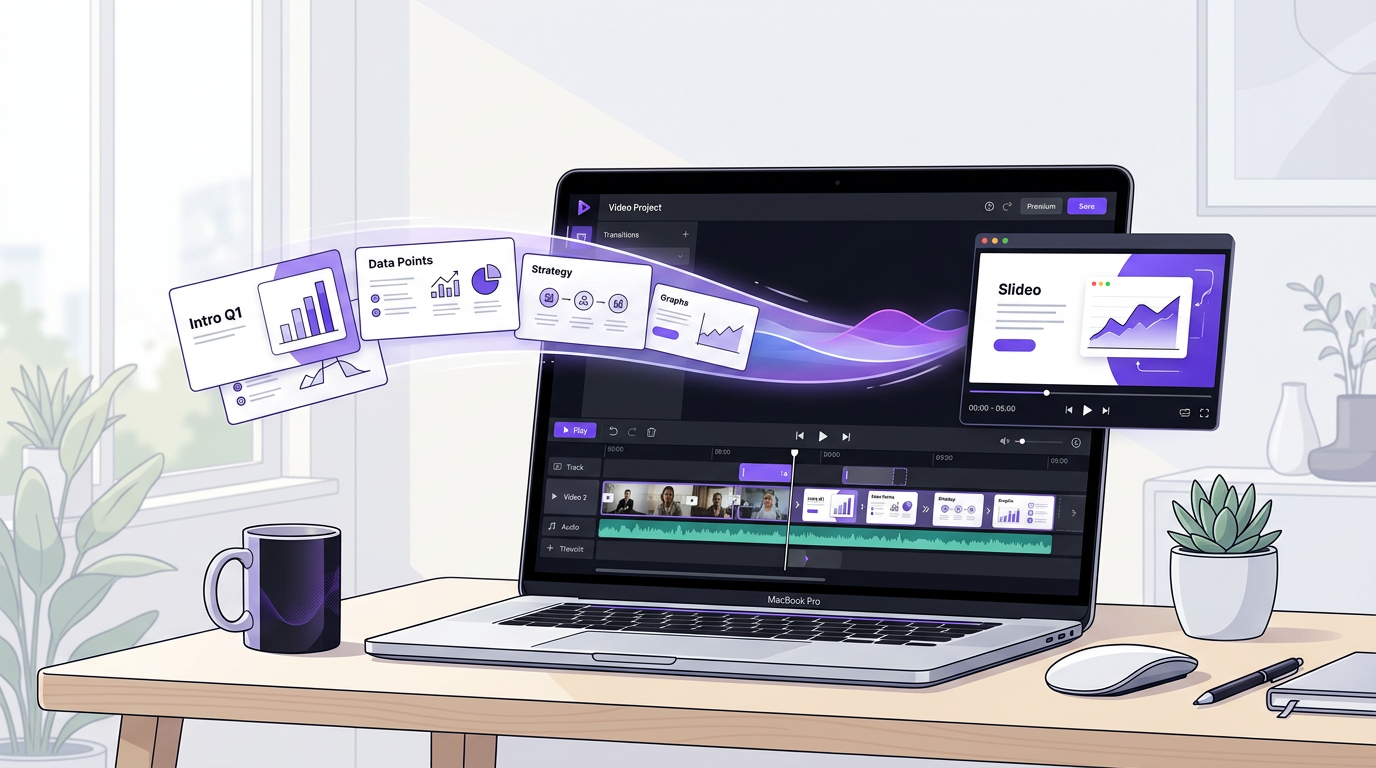
Welcome to SlideVids! If you’re looking to create engaging presentation videos, you’ve come to the right place.
Why Turn Slides into Videos?
Static presentations have their limitations. Videos, on the other hand, offer:
- Better engagement - Moving content captures attention
- Wider reach - Share on social media and video platforms
- Professional polish - Add narration, transitions, and effects
- Accessibility - Viewers can watch on their own schedule
Your First Video in 3 Steps
1. Upload Your Slides
Start by using our easy wizard to create a presentation from scratch. Give a basic outline of your topic, and our AI will help you generate slides complete with text for titles and bullet points. Not only that it will write a script for the slide.
2. Customize Your Video
Add your personal touch:
- Adjust your slide design
- Edit the script as needed
- Select a voice for narration
3. Export and Share
Once you’re happy, export your video in your preferred format and resolution. Share directly to social media or download for later use.
Next Steps
Ready to create your first video? Sign up for free and start transforming your presentations today!
Related Features
- AI Voices — 27+ natural-sounding voices to narrate your videos without recording
- PowerPoint Import — Upload existing PPTX files and convert them into videos in minutes
- Video Sharing — Share your finished videos with a single link