Introducing Export to PowerPoint and PDF: Your SlideVids Content, Anywhere

Introducing Export to PowerPoint and PDF
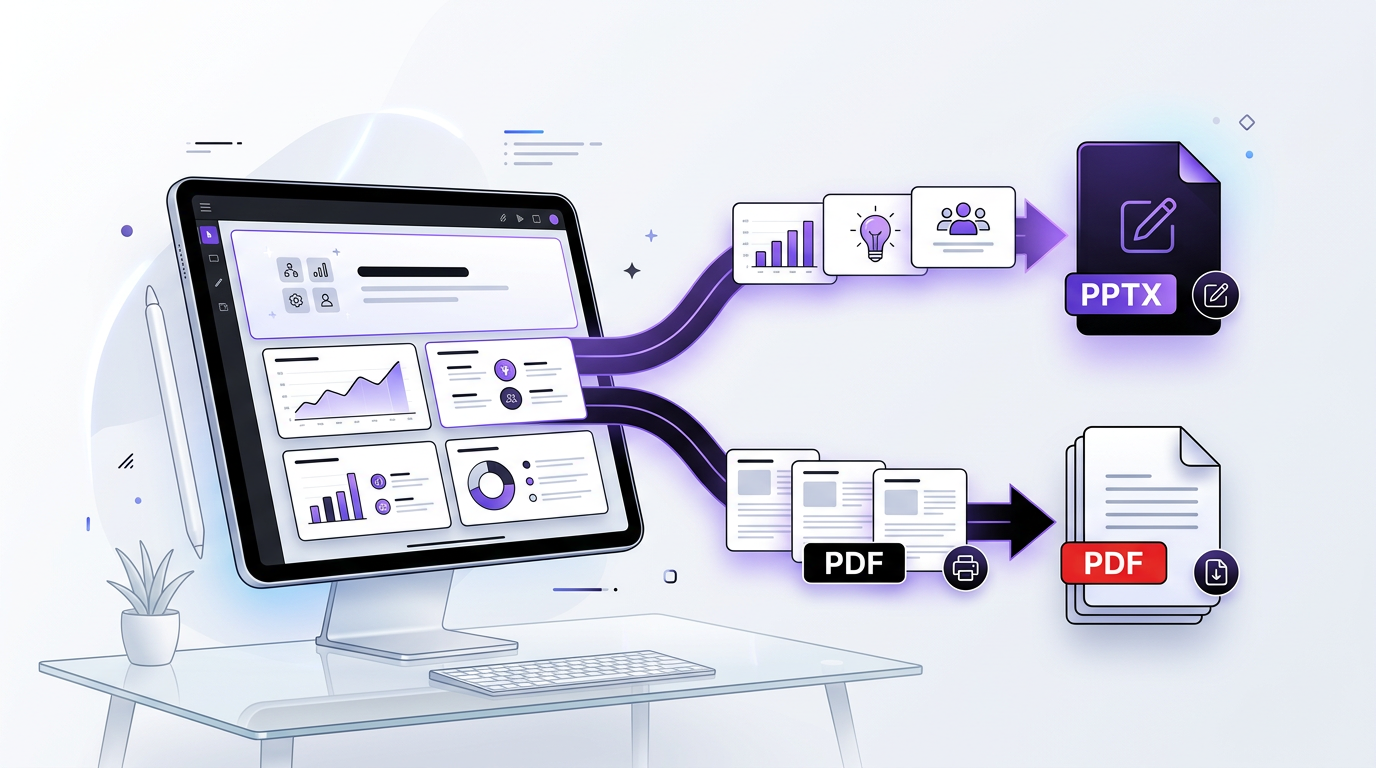
You’ve created a stunning presentation in SlideVids—beautiful slides with professional AI narration, custom layouts, and perfectly timed pacing. Now you need to share it with stakeholders, present it in PowerPoint, or print it as a PDF handout. With our previous offering, you were limited to videos. What if you needed something more flexible?
We heard you. Today, we’re thrilled to announce two powerful new export capabilities that give you complete control over how you use your SlideVids content.
PowerPoint and PDF Exports
SlideVids now lets you export your entire presentation directly to Microsoft PowerPoint (.pptx) or PDF format with a single click. Your slides, formatting, images, and speaker notes all transfer perfectly—ready to edit, present, or share.
Key Features
PowerPoint Export
Transform your SlideVids presentation into an editable Microsoft PowerPoint file:
- Full Format Preservation: Slide layouts, colors, fonts, and images maintain their original design
- Speaker Notes: All narration content is preserved as speaker notes for reference
- Easy Editing: Open in PowerPoint, Google Slides, or LibreOffice Impress and customize further
- Multiple Template Layouts: Content-single column, classic title, and two-column layouts automatically adapt to your presentation style
- Cross-Platform Compatibility: Works with Windows, Mac, and cloud-based presentation tools
Use Cases:
- Executives who need to edit and brand content before presentations
- Educators who want to extend slides with interactive elements
- Teams collaborating on presentations across different tools
- Sales professionals adding company branding or custom talking points
PDF Export
Create professional, print-ready PDF documents from your presentations:
- High-Quality Output: Crisp, professional-grade PDFs perfect for printing and distribution
- Fully Formatted: All design elements, colors, and images are rendered at full quality
- Print-Ready: Optimized for both digital viewing and physical printing
- Portable: Share with anyone, on any device, without compatibility concerns
- Searchable: Text remains selectable and searchable for accessibility
Use Cases:
- Creating handouts for training sessions or workshops
- Generating documentation for compliance and record-keeping
- Sharing with stakeholders who prefer static documents
- Archiving presentations in a standard, universally accessible format
How It Works
Getting your content into PowerPoint or PDF is effortless:
- Create Your Presentation in SlideVids as usual—write your outline, generate AI narration, and customize your slides
- Navigate to Timeline Details and click the Export button
- Select Your Format: Choose “PowerPoint” or “PDF”
- Download Instantly: Your file is generated and ready to download in seconds
- Use It Anywhere: Open in your favorite tools and continue working
Technical Excellence
Behind the scenes, we’ve engineered a robust export pipeline:
- Smart Image Handling: Both foreground and background images are intelligently embedded and scaled
- Responsive Layouts: Presentations automatically adapt to landscape or portrait formats
- Speaker Notes Integration: Narration content automatically appears as speaker notes in PowerPoint
- Secure Storage: Exports are stored securely and available for 7 days
- Scalable Processing: Advanced job queue handles exports efficiently, even for complex presentations
Tier Availability
PDF export is available starting from our Pro tier, while PowerPoint and EDL exports are available on our MAX tier for users who need maximum flexibility with editable content. Video export remains available on all tiers.
Tier Comparison
| Feature | Free | Pro | MAX |
|---|---|---|---|
| Video Export | ✓ | ✓ | ✓ |
| PDF Export | — | ✓ | ✓ |
| EDL Export (for DaVinci Resolve) | — | — | ✓ |
| PowerPoint Export | — | — | ✓ |
Get Started Today
Ready to take your SlideVids presentations further?
- Already a user? Navigate to any timeline and click the Export button to try PowerPoint or PDF
- New to SlideVids? Sign up for a free account and experience the magic of AI-powered content creation
- Interested in MAX tier? Learn about our pricing and plan options
Feedback Welcome
We’re constantly improving SlideVids based on your feedback. Have ideas for export features or ways to enhance the process? We’d love to hear from you. Reach out to our support team.
Related Features
- PowerPoint & PDF Export — Full details on exporting to PowerPoint and PDF formats
- Pro Editor Export — Export EDL timeline packages for DaVinci Resolve and professional NLEs
- AI Voices — Add professional narration to your presentations with 27+ AI voices